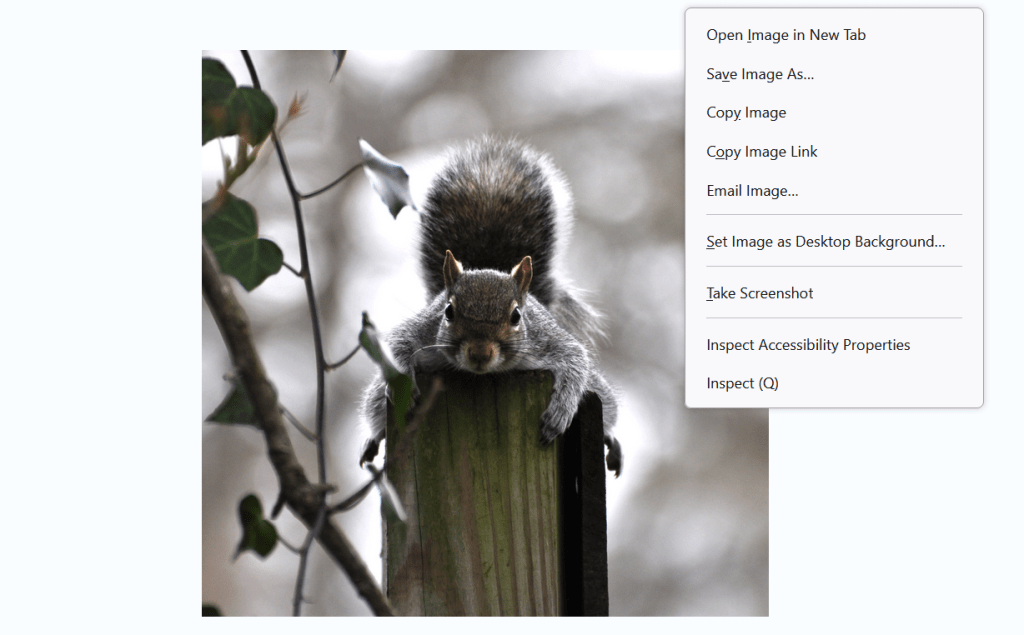
Our images are easy to download to your computer and finding the URL is also simple.
We suggest if you’re working for a training company that requires the URL’s for images after prompt approvals, you create a notepad document and list your images with a description that you can remember easily. (If you don’t understand what I’m saying, you most likely are not working for a company that trains AI)
To download simply right click the image and select “save image as”. The computer will give you the option to name and save the image in the folder of your choice on your computer. We suggest a separate folder for saving these images too.
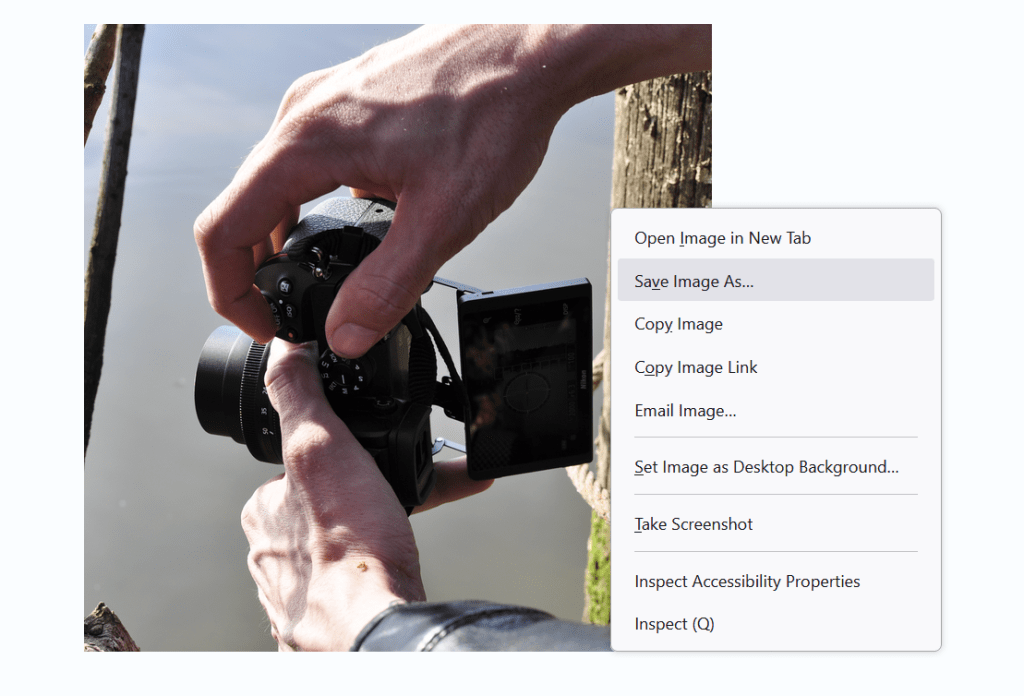
When you’re ready you can right click the image and select “copy image link” then paste into your notepad folder for saving image URL’s. This will give you only the image URL and not other items on that page.
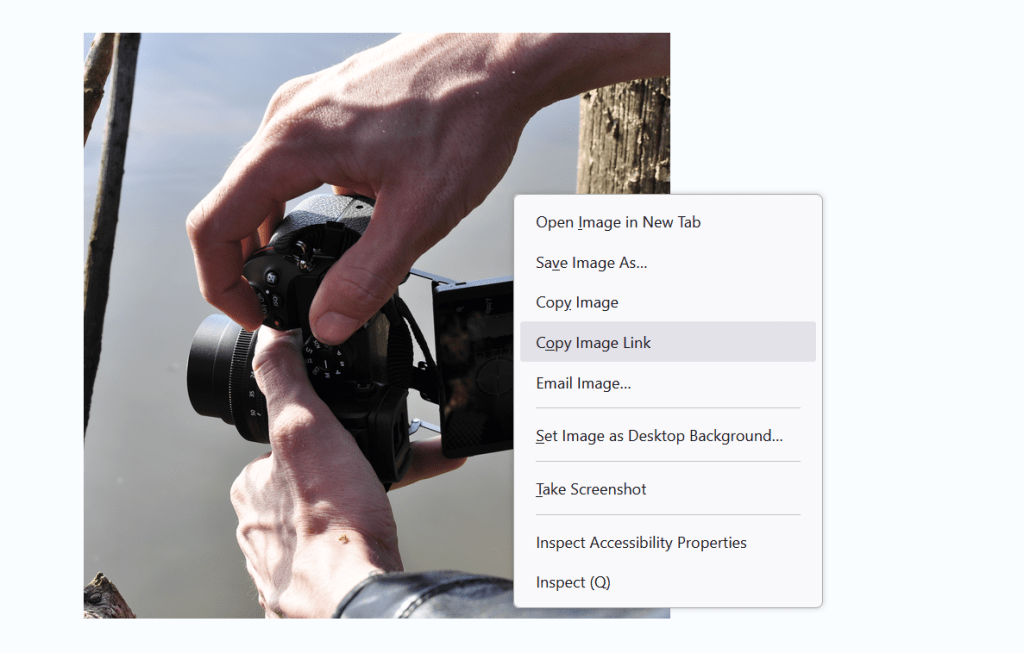
We hope these instructions help you in your work and we are happy to have you utilize our images for training AI.
Like the Borg in Star Trek, AI may never actually achieve perfection. But neither will humans. That’s what makes us human. Maybe perfection isn’t the absence of ever making mistakes, but the ability to accept and adapt to them.
 Free Photography for Training AI
Leave a comment